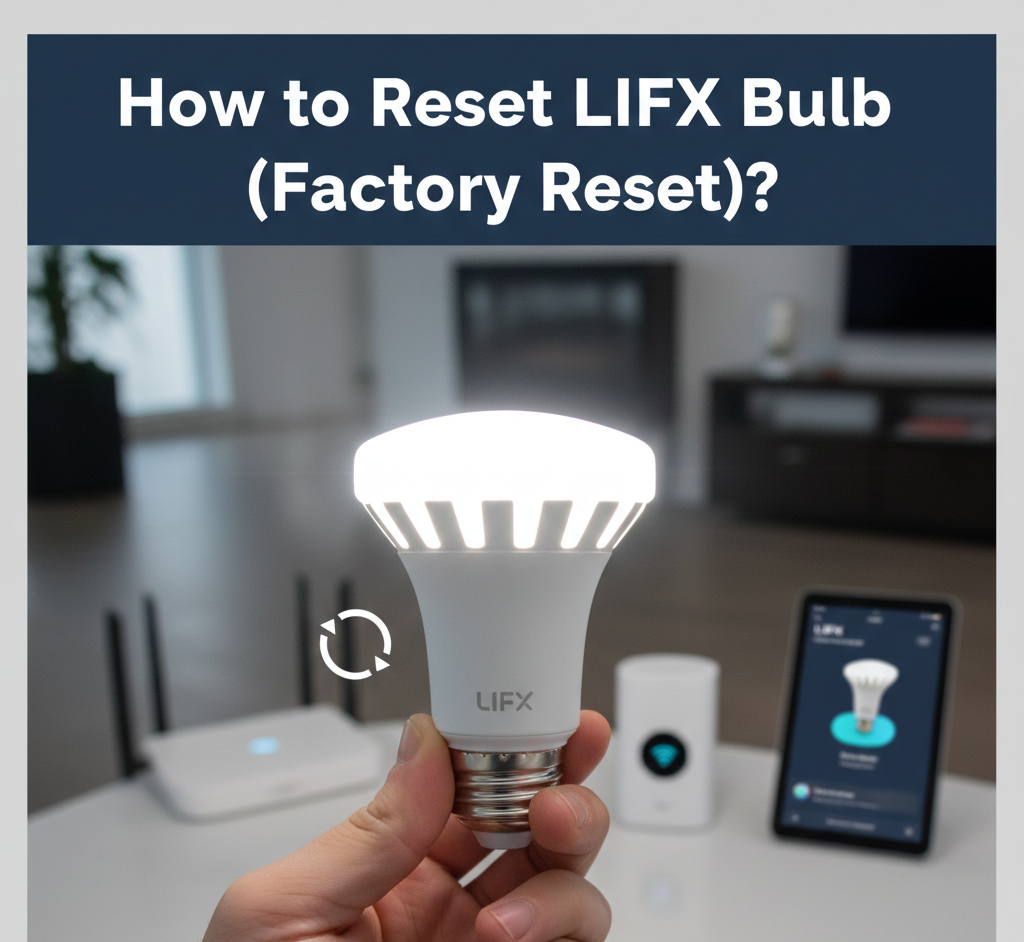
How to Reset LIFX Bulb (Factory Reset)?

Introduction
Hey there! Ever had your LIFX smart bulb acting like it forgot where the light switch is? How to reset LIFX bulb is one of those quick fixes that saves the day, whether it’s blinking weird or won’t connect to your new WiFi. I’ve been there, fumbling in the dark, and trust me, it’s simpler than untangling Christmas lights.
These colorful bulbs are awesome for setting moods in your room, but sometimes they need a little nudge back to factory fresh. We’ll walk through it all step by step, like chatting over coffee. No tech degree required—just grab your wall switch and let’s glow again.
Why Reset Your LIFX Bulb?
Picture this: Your bulb’s stuck on some funky color from last year’s party, or it won’t pair with your phone anymore. Resetting wipes the slate clean, like giving it a memory spa day.
It helps when you’ve switched routers, moved houses, or just want to start over without the hassle. Honestly, it’s the first thing I try before calling support—saves time and frustration.
Plus, in a world full of gadgets, keeping your lights happy means no more swearing at shadows during movie night.
Latest Updates for 2025
Good news for 2025—LIFX hasn’t shaken up the reset game much, but their app got smarter with better WiFi detection. Most hardware resets still work the same across models, from mini bulbs to light strips.
Firmware pushes this year focus on faster connects to 5GHz networks, which is great if your old router was 2.4GHz-only. No big changes to the power-cycle method, but they’ve added app hints for troubleshooting. If your bulb’s from last year or earlier, these steps still nail it.
One fresh tip: LIFX now flags “stuck in test mode” easier in the app, pulsing purple after weird flashes. Quick fix inside.
Benefits of Factory Resetting
Resetting isn’t just a reset—it’s a refresh! Your bulb comes back brighter, responds quicker to voice commands, and pairs smoothly with Alexa or Google Home.
- Saves money: No need for new bulbs if it’s just a glitch.
- Super fast: Takes under 5 minutes, mostly waiting for flashes.
- Peace of mind: Erases old WiFi data, perfect for selling or gifting.
I love how it turns a headache into “hey, it works!” Plus, factory reset preps it for new setups, like adding to a bigger smart home scene.
Common Issues Before Reset
Before we dive into steps, let’s spot why your bulb’s moody. Won’t light up? Check the switch—sounds basic, but yeah, it happens.
Flickering like a bad horror flick? Could be WiFi drama or power surges. App not seeing it? That’s classic “lost connection” blues.
Other culprits: Too far from router, interference from microwaves (wild, right?), or outdated app. Reset fixes 90% of these without tears.
Standard Factory Reset for Most LIFX Bulbs
This works for almost all models except the super old Original. It’s the go-to for how to reset LIFX bulb without code or app fuss.
Step-by-Step Guide
- Make sure your bulb is powered on and glowing steady. No dim vibes yet.
- Flip the wall switch (or unplug the lamp) to off. Wait 1-2 seconds.
- Turn it back on. Repeat this off-on dance exactly 5 times. Go slow—about 1 second per flip.
- On the 5th “on,” watch for magic: It flashes bright, dims, or pulses colors (white, blue, whatever your model does).
- Boom! It’s reset. The bulb’s now in setup mode, ready for new WiFi.
Took me 30 seconds first try. If no flash, double-check your timing—too fast and it ignores you.
What Happens Next?
Your light might pulse softly or go rainbow mode. Open the LIFX app, hit “Add Light,” and follow the prompts. It hunts for the bulb like a metal detector at the beach.
Pro tip: Stay close to your router during setup. Weak signal? Move the lamp temporarily.
Reset LIFX Bulb Without the App or Code
No phone? No problem. The power cycle above is your hero—no app, no code needed. Perfect for how to reset LIFX bulb without code.
Just you, the switch, and patience. I’ve done this in a blackout with a flashlight—works every time.
If it’s in a hard-to-reach fixture, use a smart plug to power cycle remotely. Genius hack!
How to Reset LIFX Bulb to New WiFi
Moved? New router? Factory reset first (steps above), then:
- Delete the bulb from the old LIFX account in the app (if visible).
- Put bulb in reset mode.
- App > “+” > Scan for lights. Pick your network (2.4GHz best).
- Enter WiFi password. Bulb blinks like it’s nodding “got it.”
- Name it— “Kitchen Party” or whatever—and you’re lit.
Common snag: Wrong band. LIFX loves 2.4GHz; split your network if needed.
Took my sister’s bulb 2 minutes to join her fancy new mesh system.
Reset LIFX Original Bulb (Special Case)
The OG model from way back has a sneaky switch. Here’s how to factory reset LIFX light bulb the old-school way.
Quick Steps
- Power off completely.
- Unscrew the bulb gently. Spot the tiny switch on the base? Flip it opposite.
- Screw back in, power on.
- It flashes red, green, blue, white—party confirmed!
Leave it 5 minutes post-reset. No switch visible? It’s not an Original.
Funny story: I once flipped the wrong way and it just sulked. Double-check direction.
Reset LIFX Light Strips and Beams
Got strips or Beam kits? Controller box is key for how to factory reset LIFX light strip.
Two Ways
- Power Cycle: Same 5 off-ons at the plug.
- Button Method: Find reset button on controller. Hold 10-15 seconds. Strips flash red-green-blue.
Release, watch colors. App setup same as bulbs.
These are great for under-cabinet vibes, but reset clears all zones—reprogram fun awaits.
How to Find a LIFX Light Bulb Address
Lost the MAC? App shows it under light settings > Advanced. Post-reset, it’s generic till setup.
Or, during pairing, app lists “LIFX-XXXX” with partial address. Note it for troubleshooting.
Rare need, but handy if support asks.
Troubleshooting After Reset
Reset done, still grumpy? Let’s fix.
No Flash on 5th Cycle
Stuck Flashing Purple (Factory Test Mode)
Power off. Flip reset switch (if Original). Power on. Cycles red-green-blue-off? Good. Still? Warranty time.
App Won’t Find It
- Restart phone WiFi.
- Forget all LIFX networks in phone settings.
- Ensure 2.4GHz, no VPN.
Reset LIFX Light via App (If Connected)
Still linked? Easier: App > Select light > Settings (dots) > Reset Device. Pick type.
Common Mistakes to Avoid
Don’t be me—learn from fails!
- Rushing the 5 cycles: Too quick = no reset. Count “one-Mississippi.”
- Wrong network: 5GHz traps beginners. Check router.
- Forgetting power fully off: Half-power confuses it.
- App first: Hardware reset trumps software glitches.
- Over-resetting: Once is enough; spamming breaks nothing but your patience.
Avoid disassembly—voids warranty faster than a dropped bulb.
Physical damage? Nah, gentle hands.
Benefits and Advantages of Regular Resets
Why bother often? Keeps firmware fresh, catches WiFi hiccups early.
- Longer bulb life: Clears memory junk.
- Smoother groups/scenes.
- Easy sharing: Reset before gifting.
In 2025, with Matter support growing, resets ensure compatibility.
Advanced Tips for Power Users
Group reset? App handles multiples post-individual.
Voice reset? Nope, manual only.
Multiple bulbs? Reset one by one—app gets overwhelmed.
Firmware check: App > Light > Check for updates post-setup.
When to Contact Support
Reset fails thrice? Bulb DOA? Hit LIFX support. Serial number ready (on bulb base).
Warranty’s solid—2 years usually.
Real-Life Stories
My buddy in London reset his after router swap—kitchen glowed again for curry night. Friend in Sydney fixed strips for BBQ. Worldwide wins!
Conclusion
Whew, we covered it all—from basic power flips to strip quirks. Now your LIFX setup’s bulletproof, ready for mood lighting or midnight snacks. Grab that switch, give it a go, and bask in the glow. You’ve got this—happy lighting!
FAQs
How do I reset LIFX bulb WiFi without app?
Power cycle 5 times at the switch. Bulb flashes, forgets old network. Setup fresh in app later.
What’s reset LIFX bulb to new WiFi process?
Factory reset first, then app add on 2.4GHz. Enter new password—done in minutes.
Can I reset LIFX light bulb if it’s not responding?
Yes! Hard reset via switch works even if app ignores it. Patience on timing.
How to factory reset LIFX light strip?
Controller button 10-15 secs or 5 power cycles. Flashes confirm.
Why does my LIFX bulb flash colors after reset?
Normal! Red-green-blue means success. Purple? Test mode—flip switch.